


by BereanByte
Church presentation software that brings Scripture to the screen.
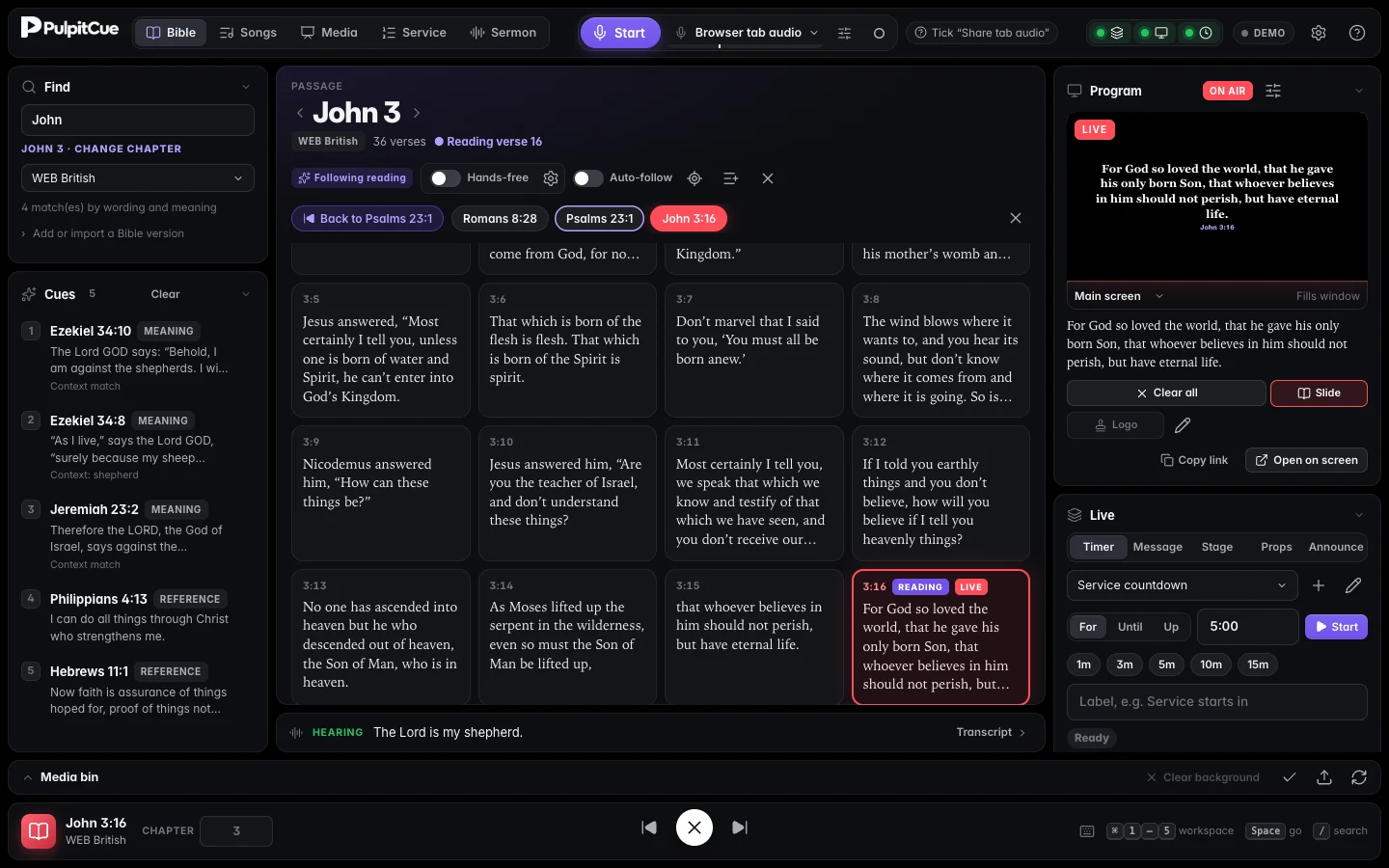
PulpitCue combines Bible projection, song lyrics and service planning for church media teams on Mac and Windows. It listens to the preacher on your own device, finds the verses being read or quoted, and brings them to your projector and livestream with operator approval or optional hands-free control.
For macOS and Windows. English speech. Read the getting started guide
- macOS & Windows
- built for your media team's computers
- On your computer
- speech and matching stay private
- No paid APIs
- no per-sermon fees, ever
- You decide
- suggestions wait for the operator
Built for Sunday services
Bible projection, worship lyrics and live Scripture detection in one app.
Prepare the service in advance, then keep the congregation and livestream following along without switching between separate presentation tools.
Live Scripture detection
Recognise spoken Bible references and suggest passages quoted during the sermon. Speech recognition runs locally, with operator approval by default and optional hands-free mode.
Explore Scripture detectionWorship presentation and planning
Bring Bible passages, song lyrics, slides and media into your service running order. Prepare readings and sermon references before the service begins.
Explore service planningProjector and livestream outputs
Design separate outputs for your church projector, livestream and stage monitor. Use lower thirds with OBS or vMix and NDI output where supported.
Explore presentation outputsListens to the sermon
The verse is on screen before the congregation turns the page.
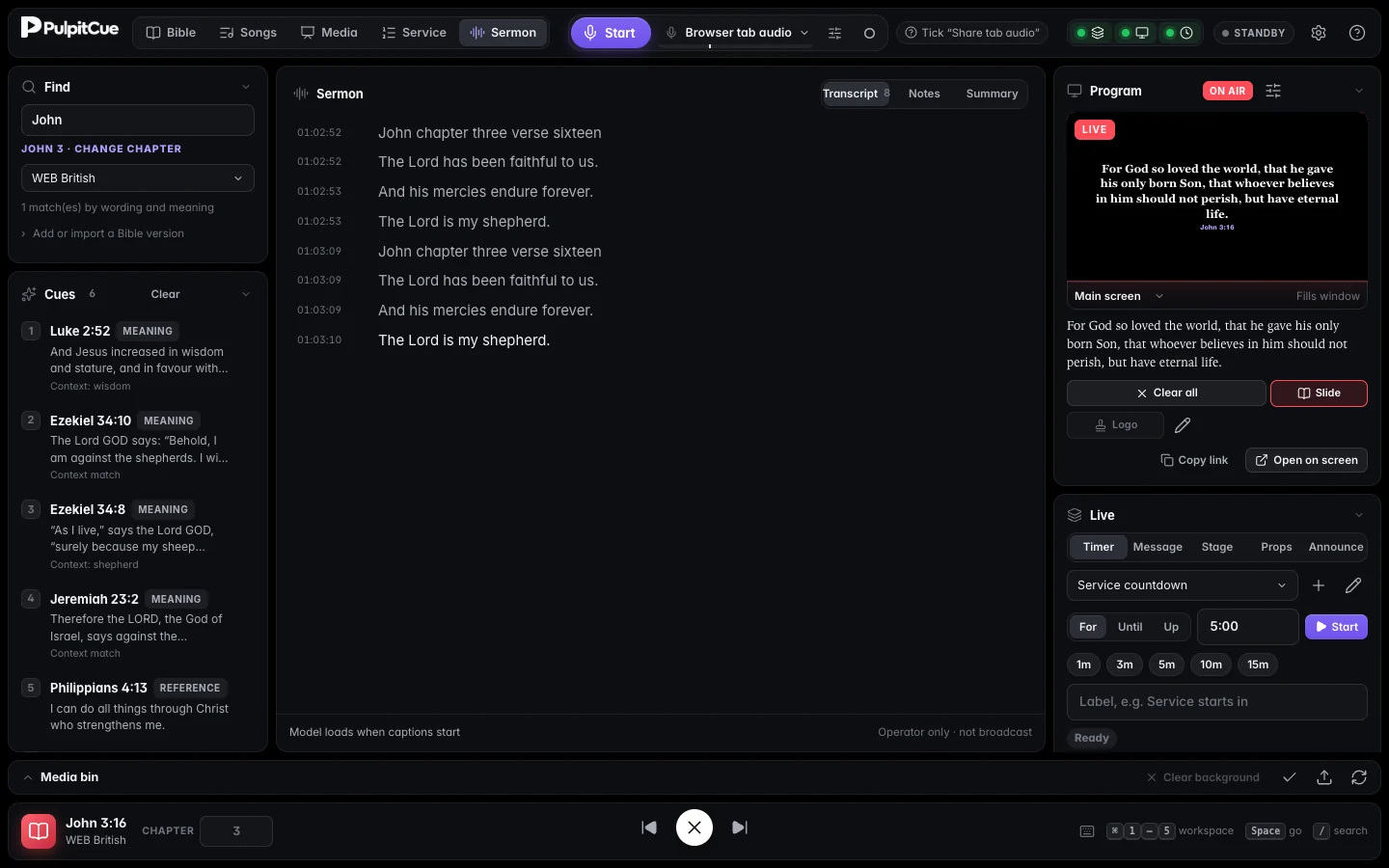
PulpitCue follows the preacher with speech recognition that runs entirely on your computer. It opens the passage when it is announced and follows the reading, verse by verse.
- Spoken references like “John three sixteen” are recognised
- Quoted verses and retold stories appear as suggestions with the evidence shown
- Hands-free is optional, and stops where the preacher stops
Runs the whole service
Songs, slides and the order of service in one place.
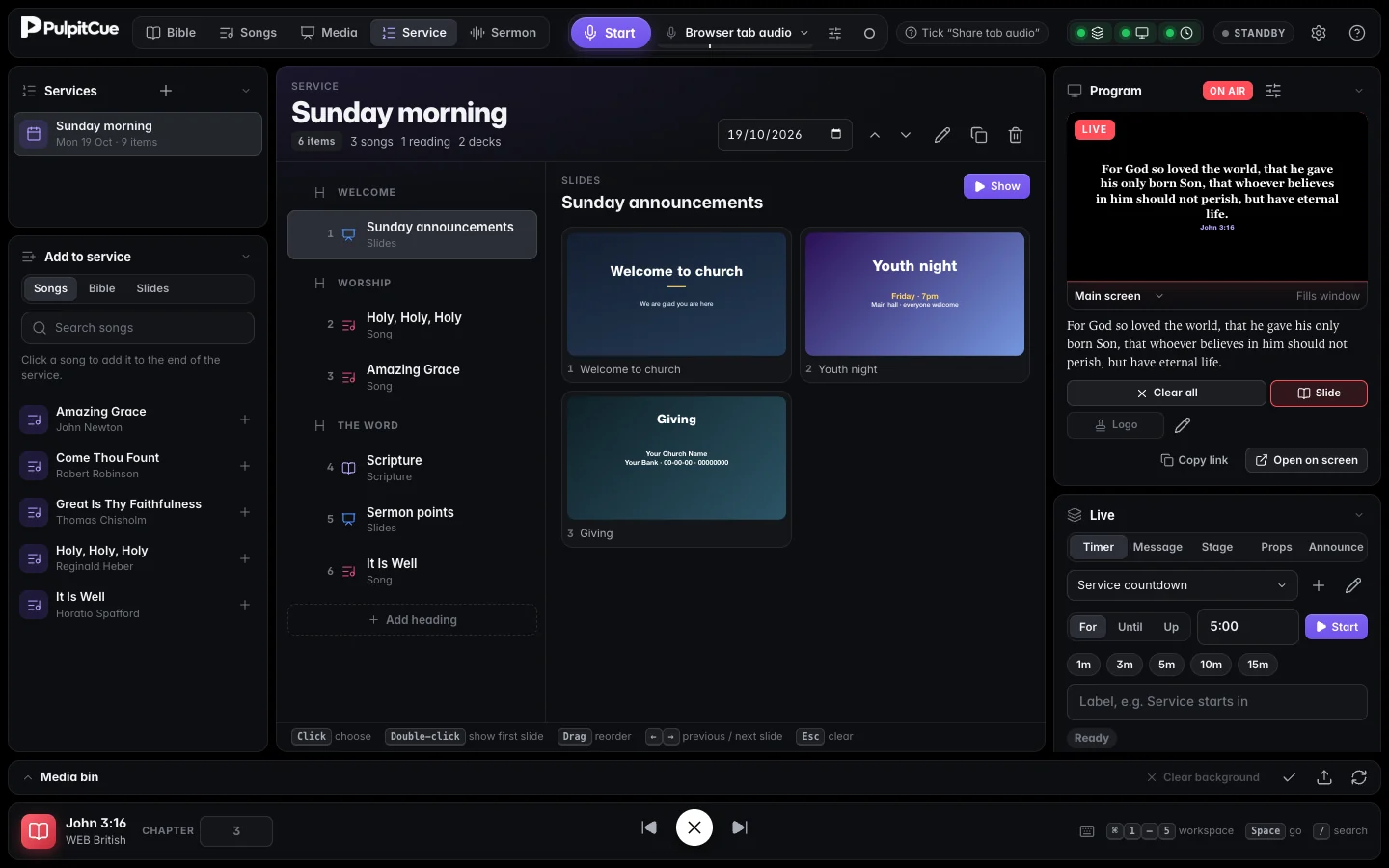
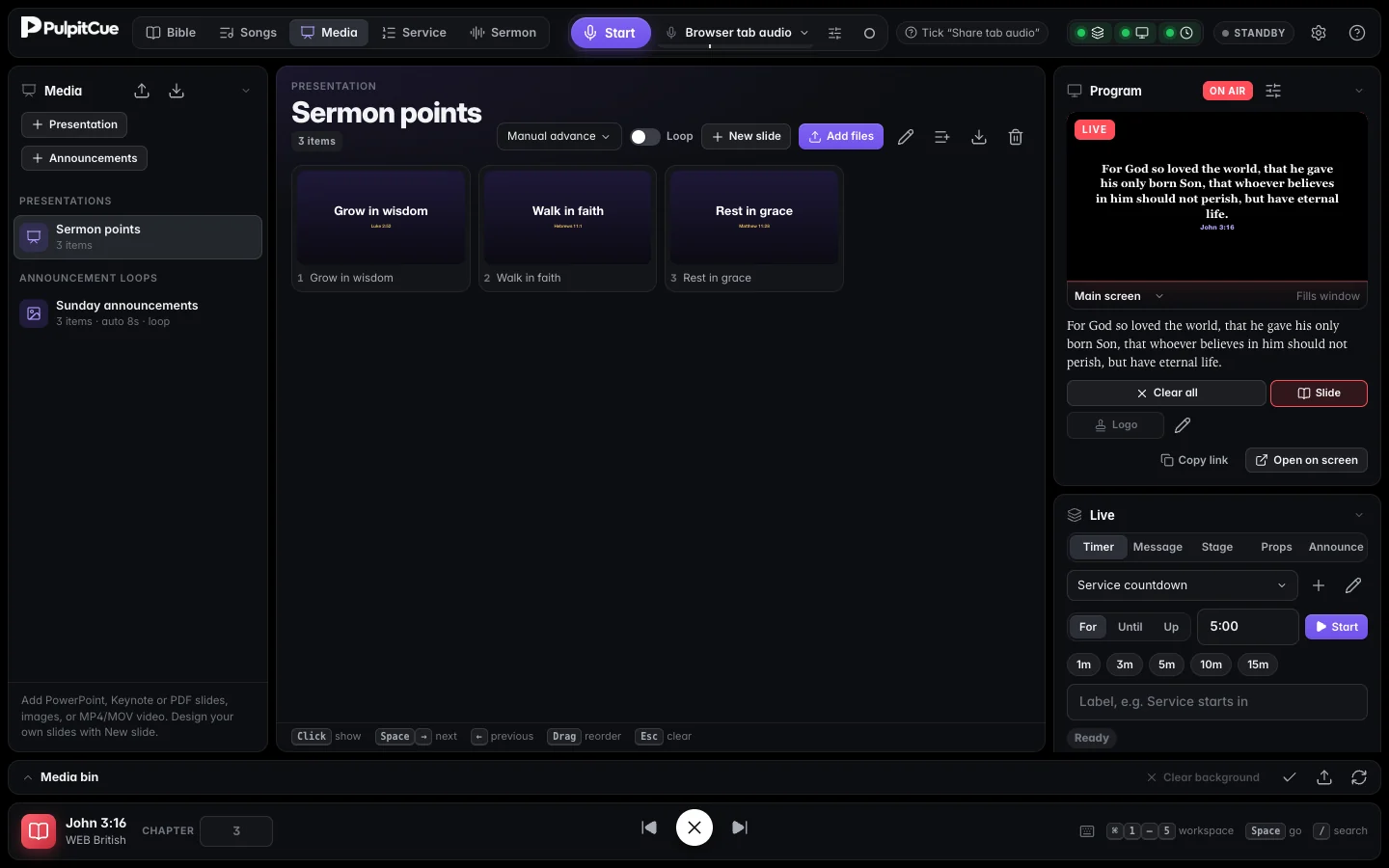
Build your lyric library, design slides or import them, and run the entire service from a single planner. Whatever you put on screen last is exactly what the screens show.
- Lyric search that shows the matching lines, in any language you tag
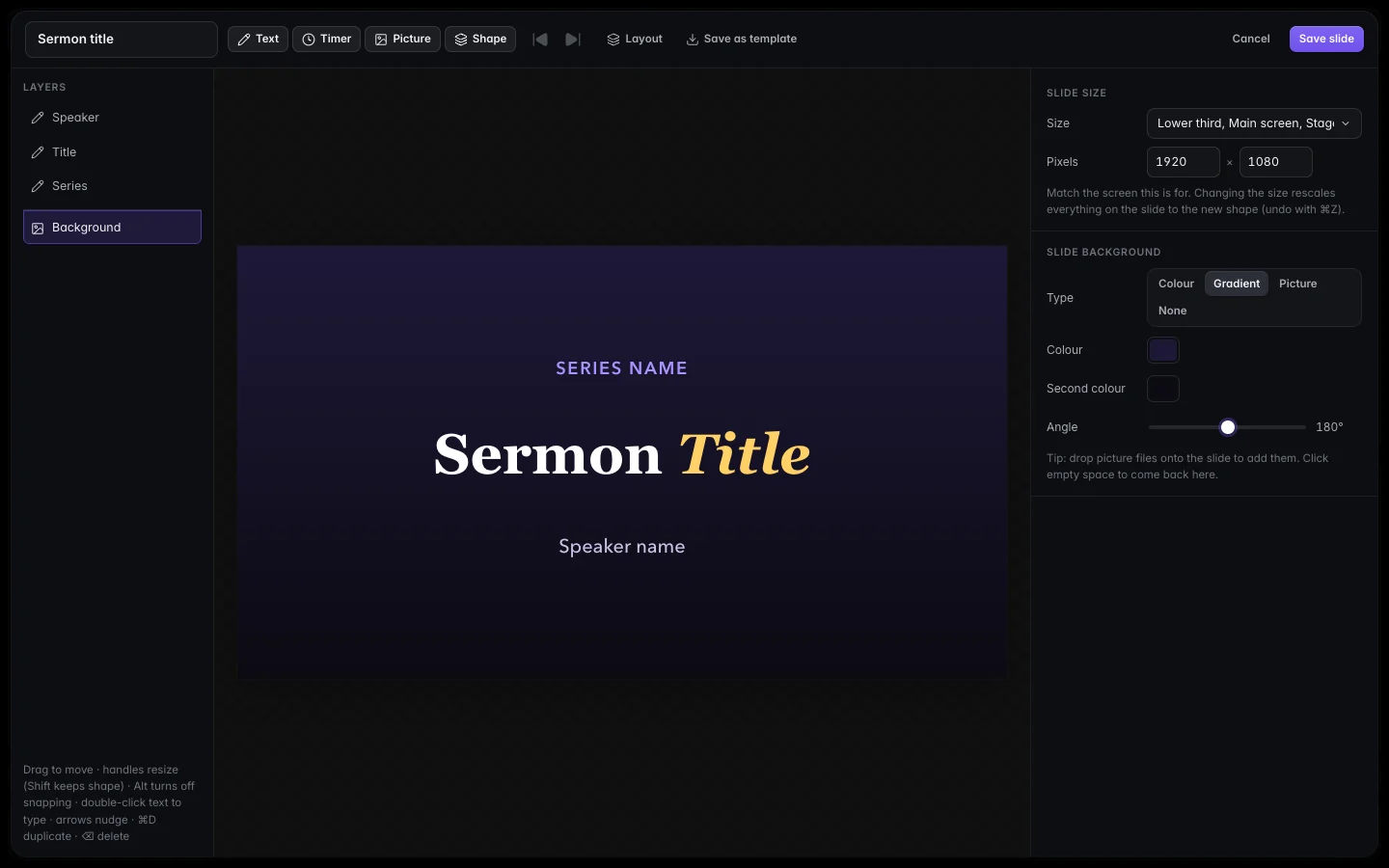
- Slides from PDF, PowerPoint or Keynote, or designed in the built-in editor
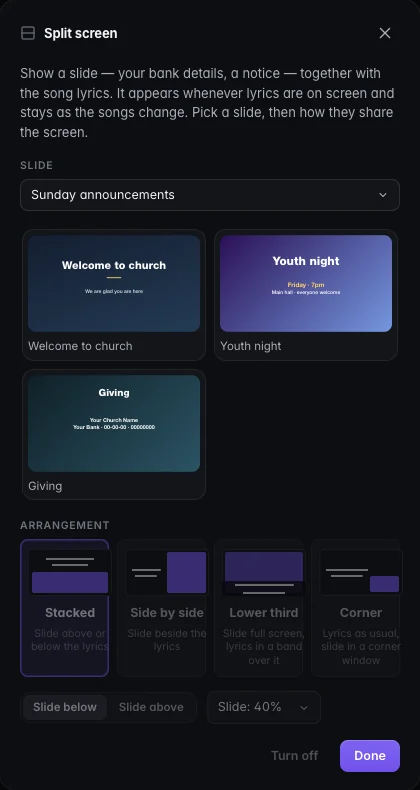
- Split screen: lyrics beside bank details, a lower third, or a corner slide
Every screen, its own look
Projector, livestream, stage monitor and LED wall.
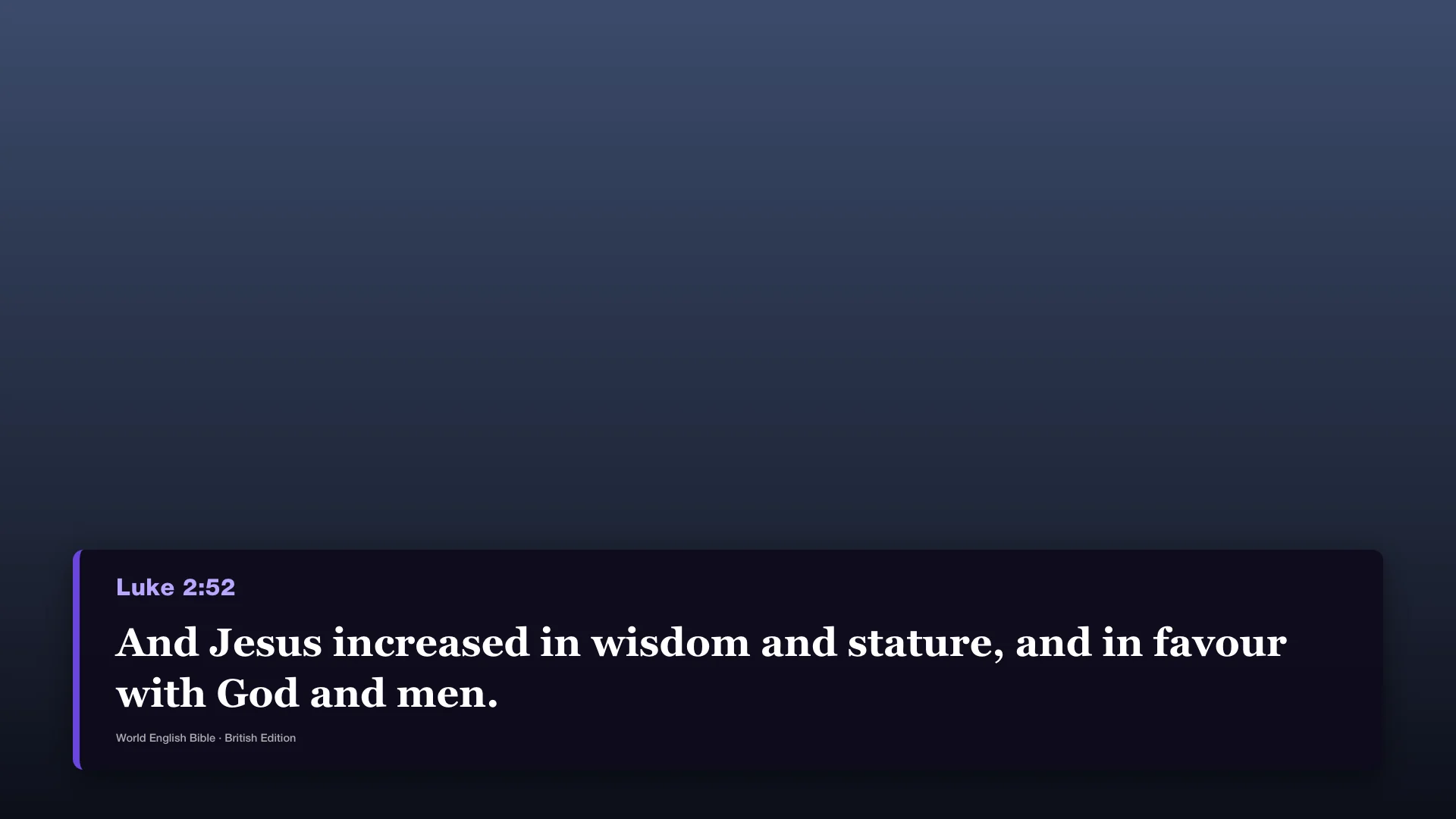
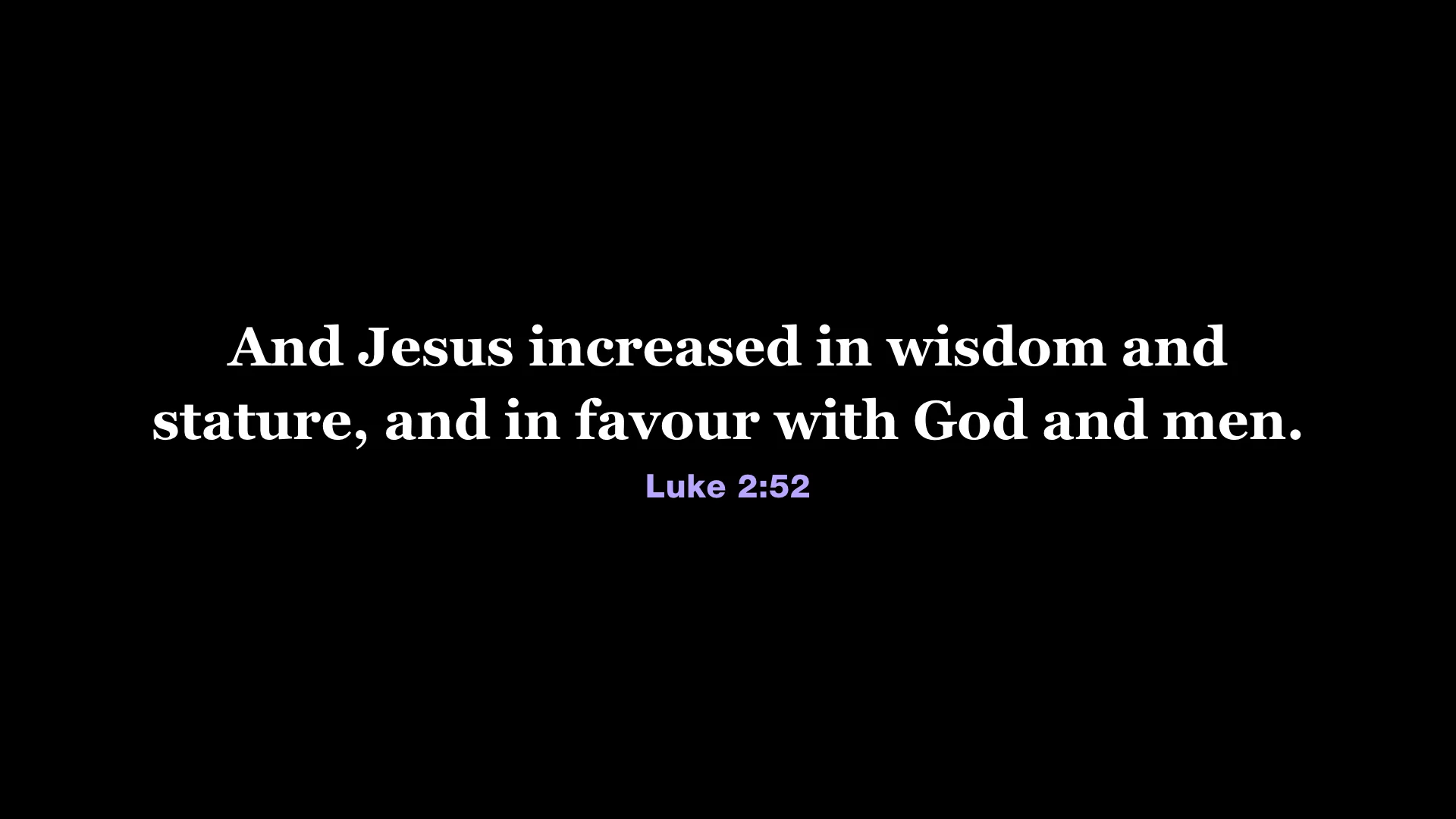
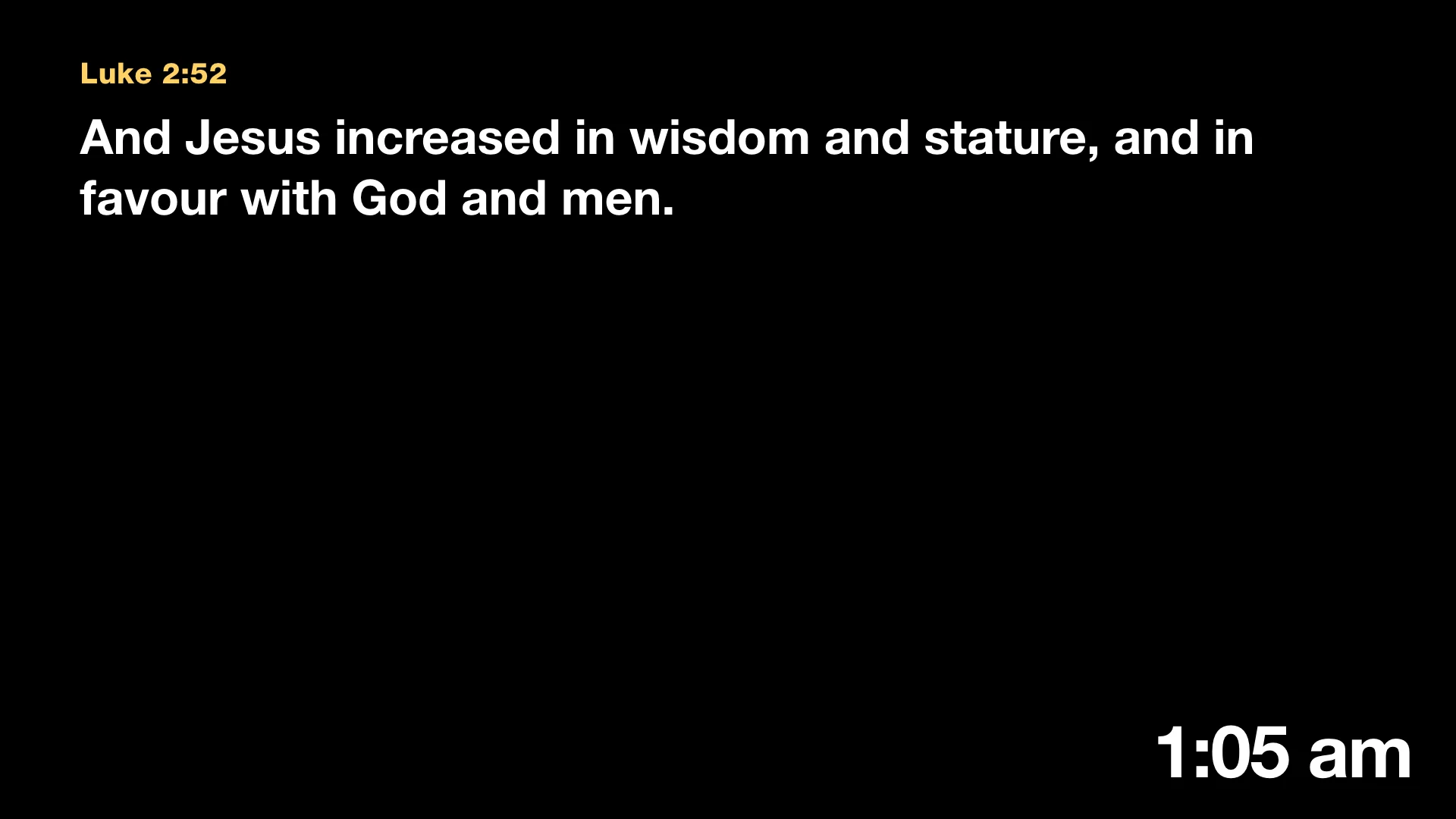
Send the right thing to each place. A clean lower third for OBS or vMix, full screen for the projector, a confidence monitor for the platform, and NDI with transparency.
- Several independent outputs, each with its own design
- Exact-pixel layouts for LED walls
- Countdowns, messages and per-layer clear keys
Control from anywhere
Run the service from your phone.
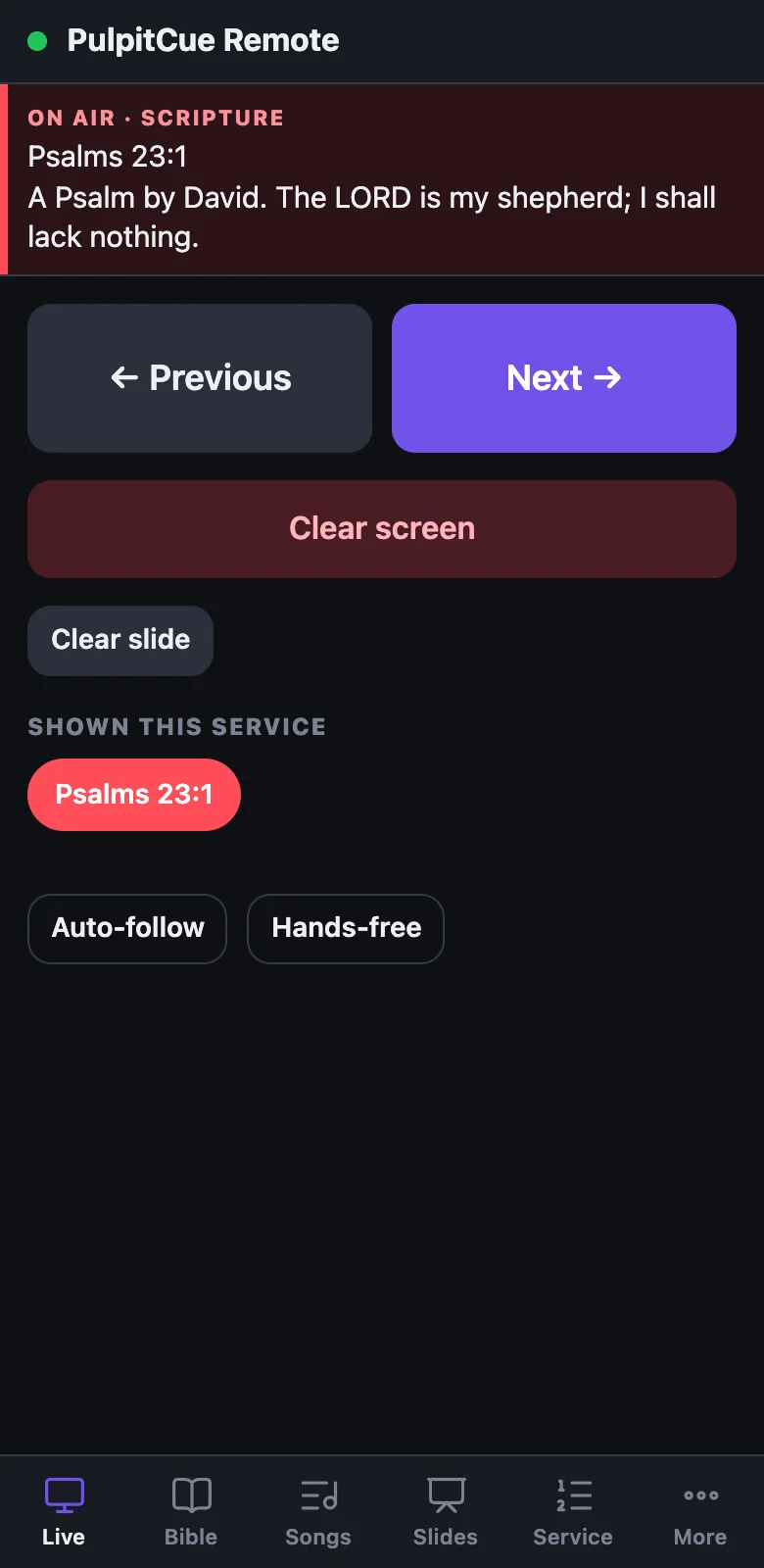
Pair a phone or tablet with a short code and move through Scripture, songs and slides from anywhere in the room, with no cables and nothing to install.
- Works over your church network
- Step through the service, send messages, start timers
- Pair in seconds from Settings
Inside PulpitCue
A calm workspace for a busy morning.
Guides
Learn PulpitCue
Step-by-step help written with the software, free for everyone.
Start here
Getting started
Install PulpitCue, work through the setup guide and put your first verse on screen.
Run the service
Bible and Scripture
Find any passage by reference, words or meaning, keep cues, and get back to earlier passages in one click.
Run the service
Hands-free and following the preacher
Let PulpitCue put verses up as they are announced, follow the reading and obey spoken requests.
Run the service
Songs
Build a lyrics library, run songs slide by slide and share the screen with a slide.
Run the service
Service planner
Put the whole order of service in one place and run it from there.
Screens and control
Remote control from a phone or tablet
Pair a device with a code and run the service from a web page.
Questions